
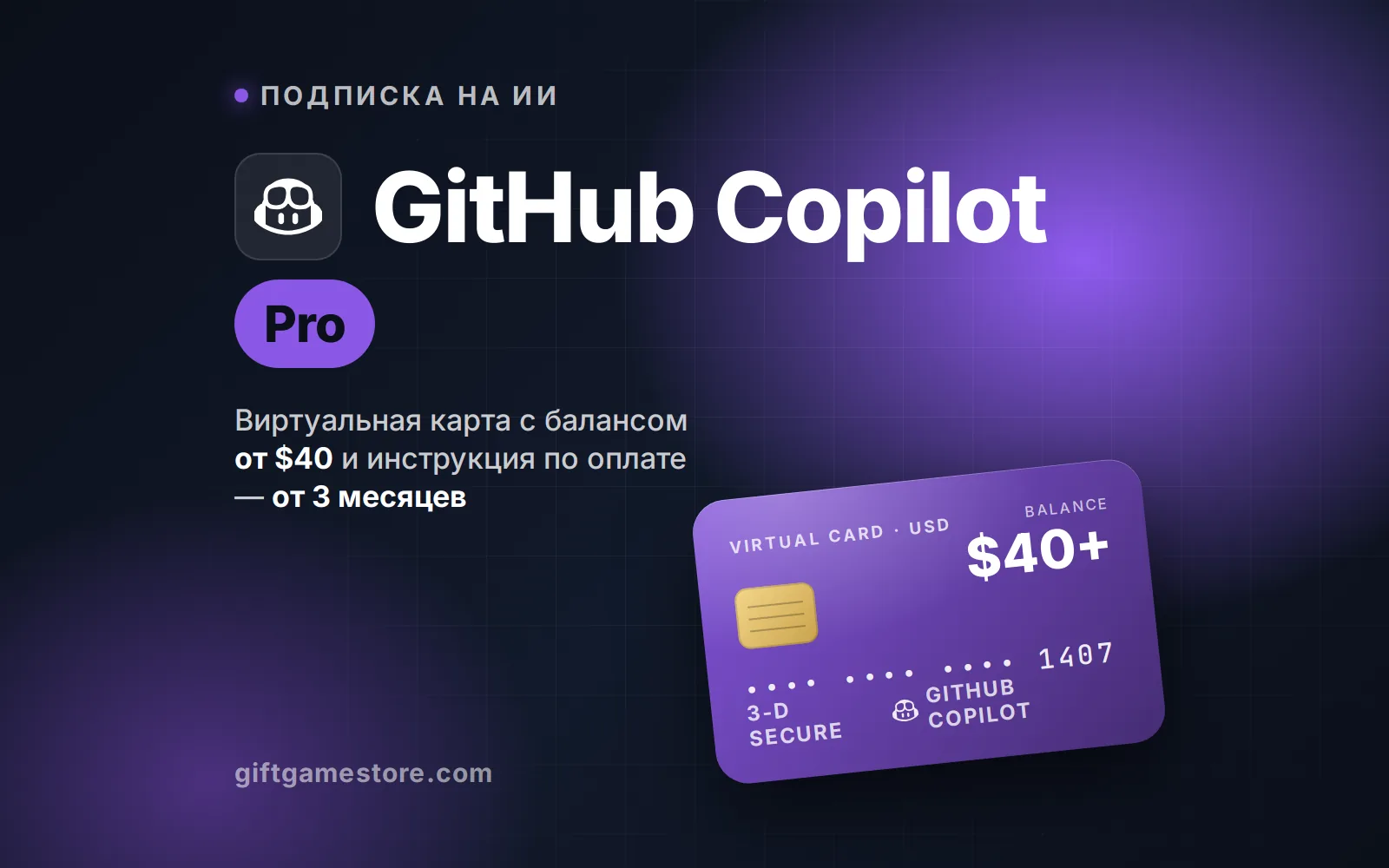
GitHub Copilot Pro subscription
Card with a $40+ balance and a guide — Pro plan from 3 months. The card is issued right after payment — the link to the account with the card and the guide arrives in the order and by email
- No password
- No game login
- Automatic delivery
from6,524 ₽
Start top-upWhere to send it
This game does not allow checking the nickname in advance — verify the details yourself, they cannot be changed after payment.
How much to buy
Passes and subscriptions
Payment
Orders on the site will open soon — we are connecting payments. Prices and packs are already up to date; if you need a top-up now, message support.
About
Where to find the details
- 1Pay for the order — a link to your account with the card arrives right after payment.
- 2Open the card in the account: number, expiry and CVV are shown with a code from your email.
- 3At github.com open Settings → Billing and plans → Copilot and choose a plan; the card goes under Payment information.
- 4Enter the card details. Cardholder name — any name in Latin letters, address — any US address (for example, 1 Main St, New York, NY 10001).
- 5Confirm the charge: the 3-D Secure code, if the service asks for one, arrives in the card account.
- 6The balance covers the whole period — monthly charges go through on their own. The rest can be spent on anything else or you can top the card up.
Delivery time
The card is issued right after payment — the link to the account with the card and the guide arrives in the order and by email
Safety
Your account password is never needed at any step. If someone asks for it, they are scammers — we are not.